
Welcome To Asta

Getting Started
Platform Capabilities
Content Management
User & Role Management
Project Management
Customization & Branding
Licensing & Legal
Pairing a Device in Asta
In this guide , we will guide you on how to connect your device to web console regardless of the type of OS you are using, the process of connecting a device to Asta remains the same
Adding a New Device
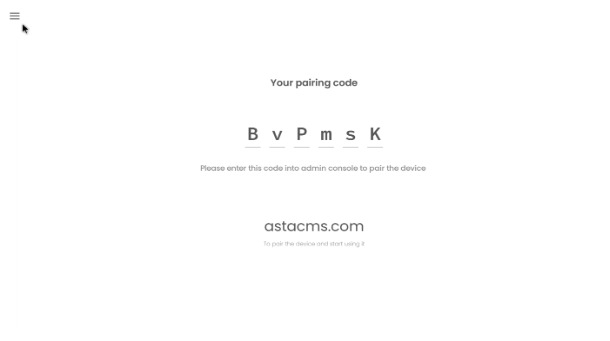
Open the Asta application on your device , which will bring you to the pair code page. You have to enter this pair code to the device to connect the device.
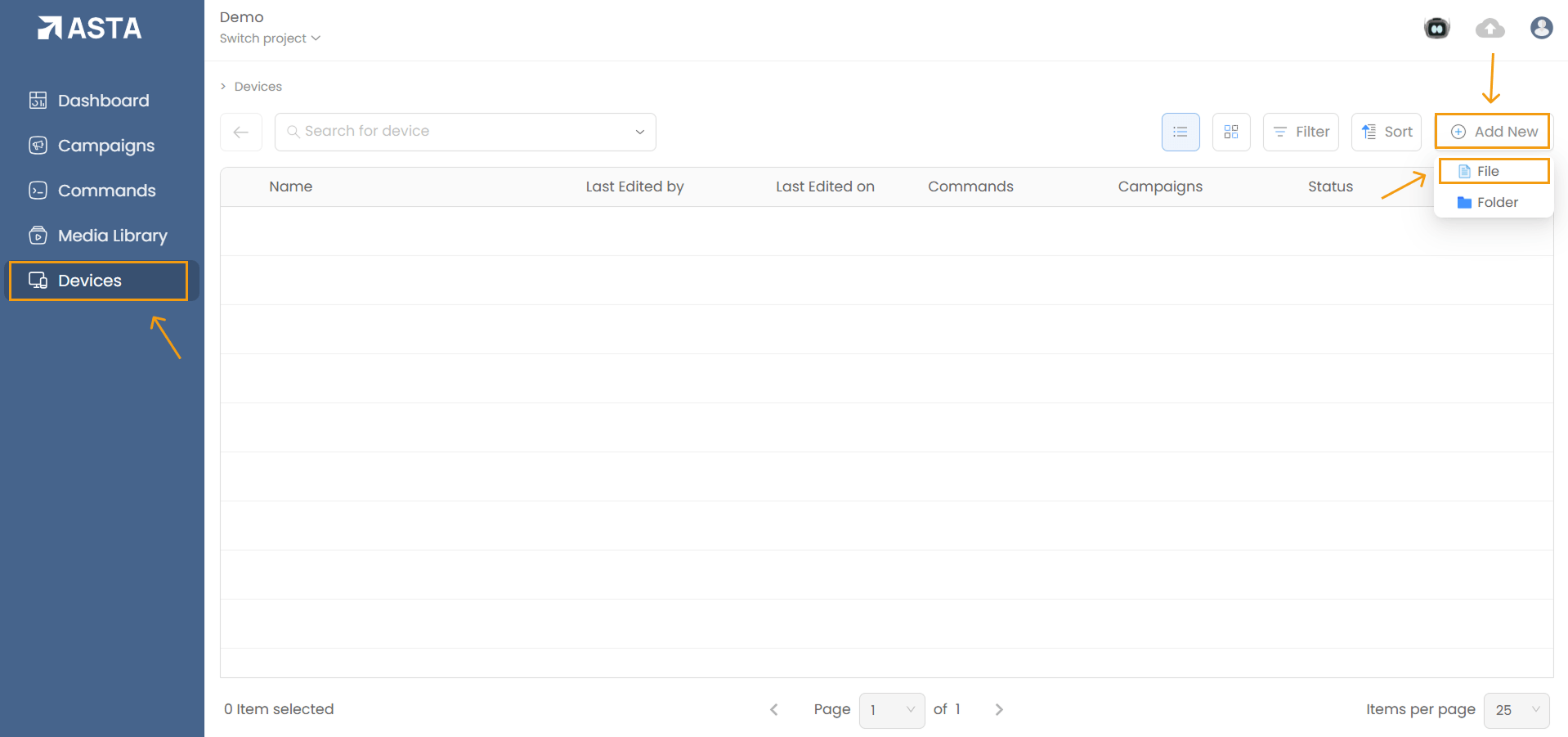
From the devices list page, Click Add New and Choose File to represent the new device.
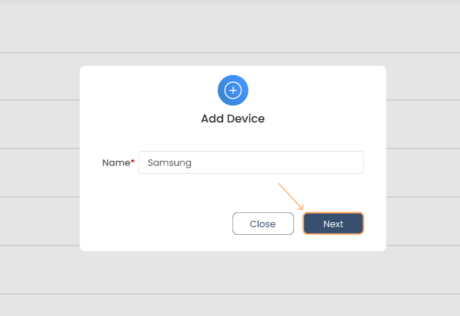
Enter a name for the device and click the on Next button.
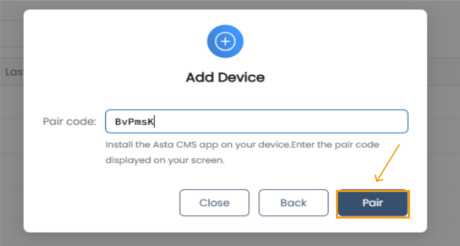
In the second section of the add device modal, Enter the Pair Code from the Asta application and click Pair.
Once the device is added and successfully paired, you will be taken to the device page, where you can adjust its settings; it will also be listed in the Devices section for easy access.